What is a Static QR Code?
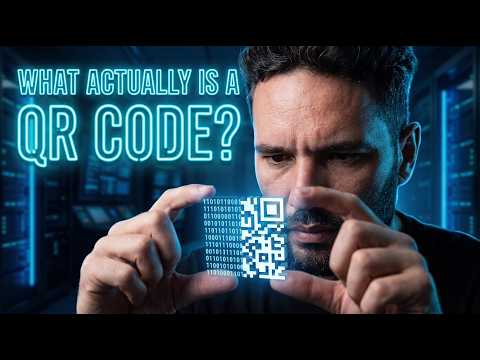
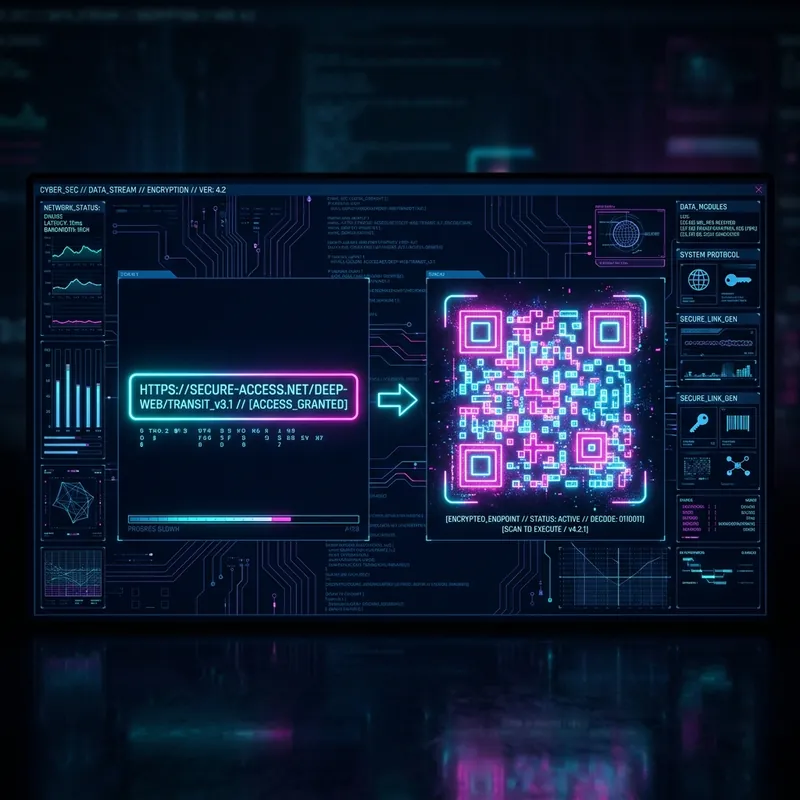
A Static QR Code is a two-dimensional barcode that directly encodes information into its physical pixel matrix pattern. Unlike dynamic alternatives, all the data—whether it's a website link, contact vCard, text, or a Wi-Fi password—is permanently embedded within the code itself. This direct encoding means that when a user scans the code, their device interprets the information instantly, without needing to ping an external server for a redirect.
Permanent and Reliable
One of the most significant advantages of using a static QR code is its permanence. Because the data is hardcoded into the visual design, the code will never expire. It doesn't rely on an active subscription or a functioning third-party service to route the user. As long as the printed or digital image remains legible to a scanner, it will work indefinitely. This makes it an incredibly reliable tool for long-term deployments, such as on product packaging, permanent signage, business cards, or printed manuals.
Privacy and Security First
When you use a static QR code, you benefit from enhanced privacy and security. The data exchange happens entirely offline between the printed code and the scanning device. There are no intermediary servers tracking who scanned the code, where it was scanned, or when. For businesses and individuals who prioritize data privacy—both their own and their customers'—this offline functionality ensures that no sensitive tracking or analytics are being collected covertly.
No Hidden Costs or Subscription Traps
Many online services offer codes that quietly stop working if a monthly fee isn't paid after a trial period. Static QR codes protect you from unexpected paywalls. Since no active server hosting is required to maintain a redirect link, these codes are genuinely free to generate and free to use forever. There are no scan limits, no bandwidth restrictions, and no surprise lockouts.