EZ QR

Best Free QR Code Generator

Create custom, high-quality QR codes instantly.

Upload your company logo (PNG, JPG, or SVG) to embed it in the center of your QR code. Make sure to generate the QR code again after selecting.

Support on GitHub
AWAITING INPUT
Scanning...
Support Project
100% Free
No Expiration
High-Res Vectors

Compare: Why EZ QR is the Best Choice

FeatureEZ QR Generator (Free)Paid Services (Uitly / Pro)
Price 100% Free ($0) $9.99 - $35.00 / mo
Account / Sign Up No Sign-Up Required Required for Downloads
QR Code Expiry Permanent (Never Expires) Expires after 14-day trial
High-Res SVG Vector Included Free Paid Add-on / Paywalled
Scan Limits Unlimited Scans Capped (e.g., 100/mo)
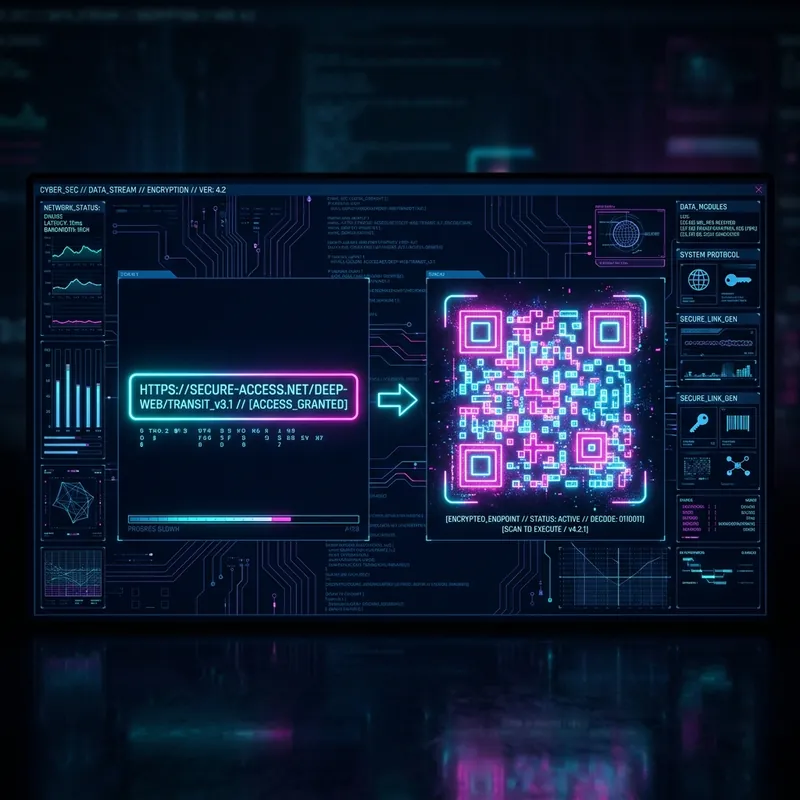
Cyberpunk interface showing a Best Free QR Code Generator
Best Free QR Code Generator

How a Best Free QR Code Generator Can Transform Your Business

A Best Free QR Code Generator acts as a digital bridge between your physical business location and your online operations. Whether you are sharing contact details, collecting payments, or routing customers to feedback forms, QR codes streamline interactions and save time for both you and your clients.

Key Benefits of a Best Free QR Code Generator for Businesses

  • Frictionless Experience: Customers can access your services instantly without typing long URLs or searching for contact info.
  • Modernize Operations: Replace printed menus, physical business cards, and manual payment entry with quick digital alternatives.
  • Cost-Effective: Save money on printing costs. You can update the digital destination of a dynamic link without reprinting the QR code.
  • Professional Branding: Add your company logo and brand colors directly into the code to maintain a professional appearance.

How to Generate Your Best Free QR Code Generator

  1. Select the Utility: Choose the specific type of QR code you need (vCard, Location, Payment, or Review).
  2. Input Business Data: Carefully enter your business details. Double-check phone numbers, coordinates, or payment links for accuracy.
  3. Design for Your Brand: Adjust the colors and module shapes. Remember that high contrast (dark foreground on light background) is critical for fast scanning.
  4. Insert Your Logo: Upload your company logo to be centered in the code. This increases customer trust and brand recognition.
  5. Export Files: Download the SVG format. Vector graphics are essential for printing on large banners or high-quality business cards without losing resolution.

Best Practices for Commercial Use

  • Call to Action (CTA): Always place a clear CTA near your QR code, such as "Scan to Pay" or "Scan to Leave a Review".
  • Optimal Sizing: Ensure your printed QR code is at least 2 x 2 cm (0.8 x 0.8 inches). If it's on a billboard or window, scale it up significantly.
  • Avoid Clutter: Leave a sufficient "quiet zone" (white space) around the code so scanners can easily lock onto the positioning squares.

Frequently Asked Questions

What is a QR Code?
A Quick Response (QR) code is a two-dimensional barcode that can be scanned using a smartphone camera to quickly access a website, text, or other information.
Do these QR codes expire?
No! The QR codes generated here are static, meaning they do not track data and will never expire. They are yours forever.
Can I use these for commercial purposes?
Yes, our QR codes are 100% free for both personal and commercial use without any restrictions.
Why won't my QR code scan?
Ensure there is high contrast between the QR code (dark) and the background (light). Also, test the code at the size it will be printed.