EZ QR

Best Free QR Code Generator

Create custom, high-quality QR codes instantly.

Upload your company logo (PNG, JPG, or SVG) to embed it in the center of your QR code. Make sure to generate the QR code again after selecting.

Support on GitHub
AWAITING INPUT
Scanning...
Support Project
100% Free
No Expiration
High-Res Vectors

Compare: Why EZ QR is the Best Choice

FeatureEZ QR Generator (Free)Paid Services (Uitly / Pro)
Price 100% Free ($0) $9.99 - $35.00 / mo
Account / Sign Up No Sign-Up Required Required for Downloads
QR Code Expiry Permanent (Never Expires) Expires after 14-day trial
High-Res SVG Vector Included Free Paid Add-on / Paywalled
Scan Limits Unlimited Scans Capped (e.g., 100/mo)
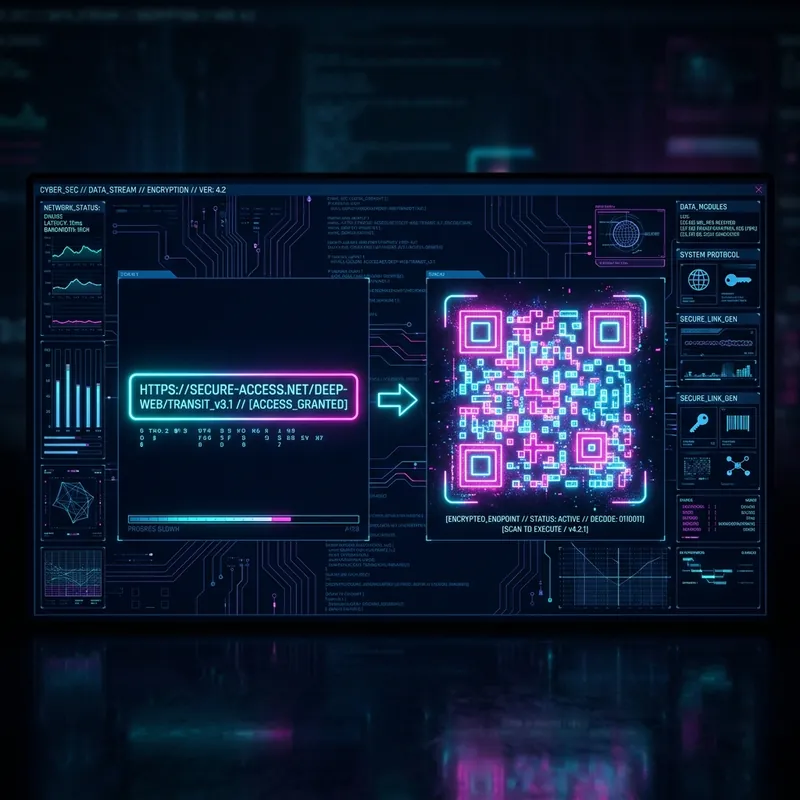
Cyberpunk interface showing a Best Free QR Code Generator
Best Free QR Code Generator

What is a Best Free QR Code Generator and How Does it Work?

A Best Free QR Code Generator is an online tool that allows users to create Quick Response (QR) codes instantly. It encodes specific information into a scannable matrix barcode that can be read by any smartphone camera.

Key Benefits of Using a Best Free QR Code Generator

  • No Cost: Create unlimited QR codes without subscriptions or hidden fees.
  • Instant Access: Generate codes immediately—no sign-up or software installation required.
  • High Compatibility: Works across all devices and QR scanning apps.

How to Create a Best Free QR Code Generator (Step-by-Step)

  1. Step 1: Input the Details: Select the specific type of QR code, enter the required information carefully, and double-check for accuracy. Errors in input data will render the QR code unusable.
  2. Step 2: Customize Design: Upload your company logo, select a custom dot shape (like hexagon or circle), and ensure high contrast between the code and the background for optimal scanning.
  3. Step 3: Choose Format and Download: Select PNG for digital sharing or SVG for high-quality scalable printing. Always test your code with multiple scanners before mass distribution.

Best Practices for Printing and Scanning

  • Print Quality: Use vector formats (SVG/EPS) for resizing without pixelation. For raster images (PNG/JPEG), ensure 300 DPI resolution.
  • Surface: Print on flat, non-reflective materials. Avoid curved or textured surfaces.
  • Placement: Position QR codes at eye level (1.5–2 meters from the ground) for easy scanning.
  • Testing: Always test the printed QR code with at least 3 different devices before mass production.

Frequently Asked Questions

What is a QR Code?
A Quick Response (QR) code is a two-dimensional barcode that can be scanned using a smartphone camera to quickly access a website, text, or other information.
Do these QR codes expire?
No! The QR codes generated here are static, meaning they do not track data and will never expire. They are yours forever.
Can I use these for commercial purposes?
Yes, our QR codes are 100% free for both personal and commercial use without any restrictions.
Why won't my QR code scan?
Ensure there is high contrast between the QR code (dark) and the background (light). Also, test the code at the size it will be printed.