EZ QR

Best Free QR Code Generator

Create custom, high-quality QR codes instantly.

Upload your company logo (PNG, JPG, or SVG) to embed it in the center of your QR code. Make sure to generate the QR code again after selecting.

Support on GitHub
AWAITING INPUT
Scanning...
Support Project
100% Free
No Expiration
High-Res Vectors

Compare: Why EZ QR is the Best Choice

FeatureEZ QR Generator (Free)Paid Services (Uitly / Pro)
Price 100% Free ($0) $9.99 - $35.00 / mo
Account / Sign Up No Sign-Up Required Required for Downloads
QR Code Expiry Permanent (Never Expires) Expires after 14-day trial
High-Res SVG Vector Included Free Paid Add-on / Paywalled
Scan Limits Unlimited Scans Capped (e.g., 100/mo)
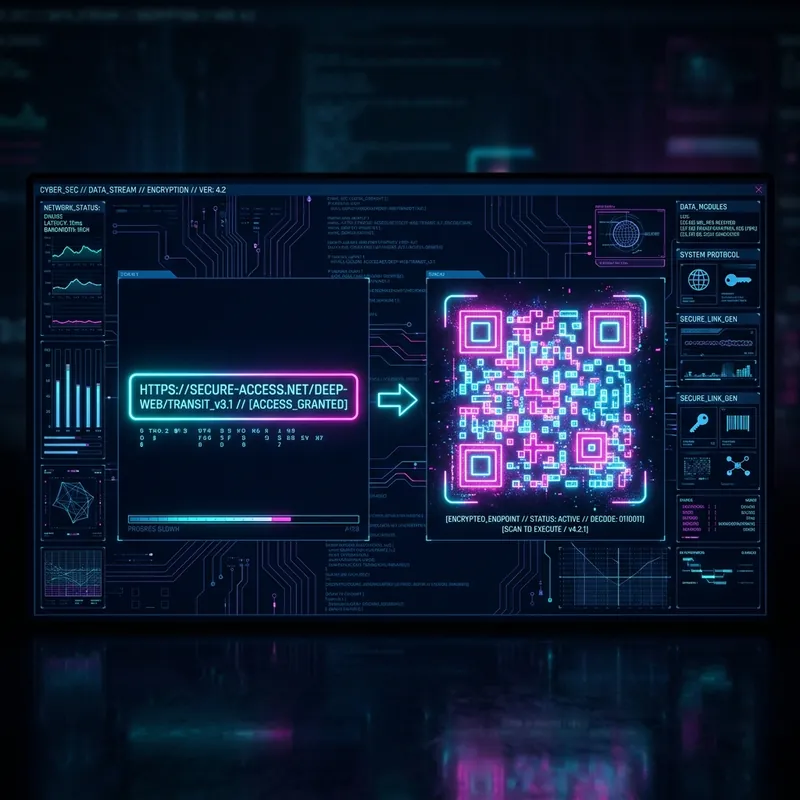
Cyberpunk interface showing a Best Free QR Code Generator
Best Free QR Code Generator

Why use a Best Free QR Code Generator?

A Best Free QR Code Generator is the fastest way to connect your physical audience with your online digital presence. By scanning the code, users are instantly directed to your profile without the friction of searching for your username or navigating through apps.

Key Benefits of a Best Free QR Code Generator

  • Instant Follows: Remove the barrier of manual searching. One scan equals one follow.
  • Cross-Promotion: Seamlessly drive offline traffic from business cards, flyers, and storefronts to your online content.
  • Brand Identity: Customize your QR code with your brand colors and social media logo to increase trust.
  • Zero Cost: Our generator is completely free, meaning you can create unlimited codes for all your different profiles.

How to Create and Share Your Best Free QR Code Generator

  1. Get Your Link: Navigate to your social profile and copy the full URL (e.g., https://instagram.com/username).
  2. Enter Details: Paste your profile link into the generator tool above.
  3. Customize the Look: Change the dot style to match your brand's aesthetic. We recommend using a high-contrast color scheme for the best scanning performance.
  4. Upload a Logo: Add your specific social media logo (like the Instagram camera or Twitter bird) to the center of the code so users know exactly what they are scanning.
  5. Download and Print: Save your file as a PNG for digital sharing or an SVG for high-quality printing on merchandise and marketing materials.

Strategies for Maximum Engagement

  • Incentivize Scans: Give people a reason to scan your code, such as "Scan to follow us for exclusive discounts!"
  • Strategic Placement: Print your QR code on product packaging, receipts, event banners, and business cards.
  • Test Before Printing: Always test your generated code with both iOS and Android cameras before doing a massive print run.

Frequently Asked Questions

What is a QR Code?
A Quick Response (QR) code is a two-dimensional barcode that can be scanned using a smartphone camera to quickly access a website, text, or other information.
Do these QR codes expire?
No! The QR codes generated here are static, meaning they do not track data and will never expire. They are yours forever.
Can I use these for commercial purposes?
Yes, our QR codes are 100% free for both personal and commercial use without any restrictions.
Why won't my QR code scan?
Ensure there is high contrast between the QR code (dark) and the background (light). Also, test the code at the size it will be printed.