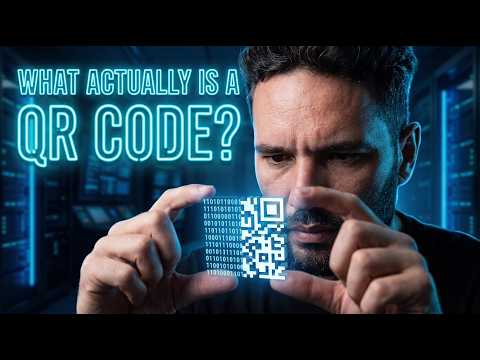
स्थैतिक QR कोड क्या है?
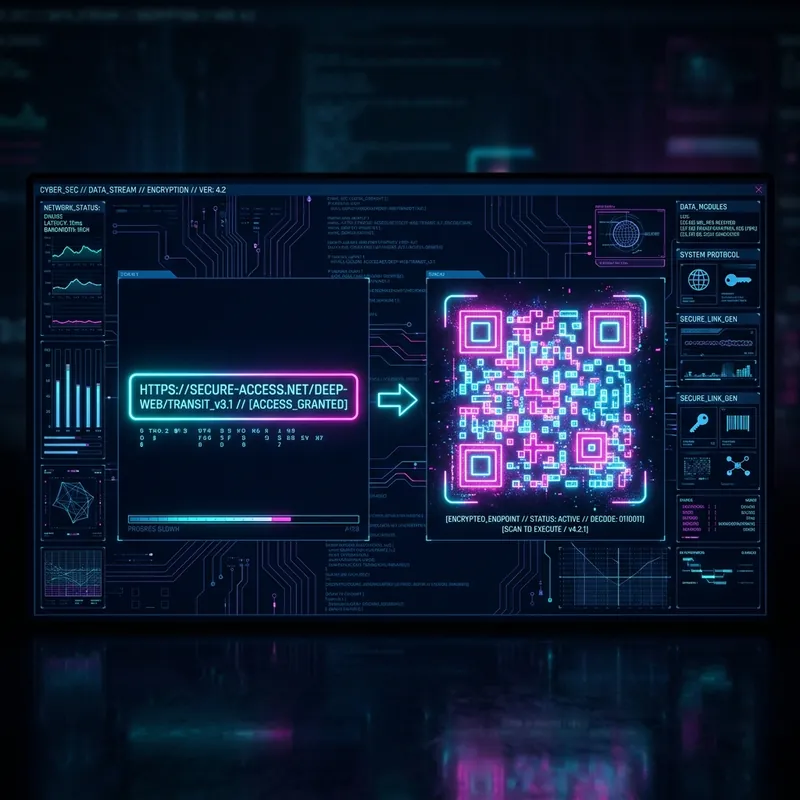
एक स्थैतिक QR कोड एक द्वि-आयामी (2D) बारकोड है जो जानकारी को सीधे अपने भौतिक पिक्सेल मैट्रिक्स पैटर्न में एन्कोड करता है। डायनामिक विकल्पों के विपरीत, सारा डेटा—चाहे वह कोई वेबसाइट लिंक हो, संपर्क vCard हो, टेक्स्ट हो, या वाई-फाई पासवर्ड हो—स्थायी रूप से कोड के भीतर ही एम्बेड होता है। इस सीधे एन्कोडिंग का मतलब है कि जब कोई उपयोगकर्ता कोड को स्कैन करता है, तो उनका डिवाइस तुरंत जानकारी की व्याख्या कर लेता है, बिना किसी रीडायरेक्ट के लिए बाहरी सर्वर से संपर्क किए।
स्थायी और विश्वसनीय
स्थैतिक QR कोड का उपयोग करने का सबसे बड़ा लाभ इसकी स्थायित्व है। चूंकि डेटा विज़ुअल डिज़ाइन में हार्डकोड होता है, कोड कभी समाप्त नहीं होगा। यह उपयोगकर्ता को रूट करने के लिए किसी सक्रिय सदस्यता या कार्यशील तृतीय-पक्ष सेवा पर निर्भर नहीं करता है। जब तक मुद्रित या डिजिटल छवि स्कैनर द्वारा पढ़ी जा सकती है, तब तक यह अनिश्चित काल तक काम करेगा। यह इसे लंबे समय तक उपयोग के लिए एक अविश्वसनीय रूप से विश्वसनीय टूल बनाता है, जैसे कि उत्पाद पैकेजिंग, स्थायी साइनेज, बिजनेस कार्ड, या मुद्रित मैनुअल पर।
गोपनीयता और सुरक्षा सबसे पहले
जब आप स्थैतिक QR कोड का उपयोग करते हैं, तो आपको बेहतर गोपनीयता और सुरक्षा का लाभ मिलता है। डेटा का आदान-प्रदान पूरी तरह से मुद्रित कोड और स्कैन करने वाले डिवाइस के बीच ऑफ़लाइन होता है। कोई मध्यस्थ सर्वर यह ट्रैक नहीं करता है कि कोड किसने स्कैन किया, कहाँ किया, या कब किया। उन व्यवसायों और व्यक्तियों के लिए जो डेटा गोपनीयता को प्राथमिकता देते हैं—स्वयं और अपने ग्राहकों दोनों की—यह ऑफ़लाइन कार्यक्षमता सुनिश्चित करती है कि कोई संवेदनशील ट्रैकिंग या एनालिटिक्स गुप्त रूप से एकत्र न किया जाए।
कोई छिपी हुई लागत या सब्सक्रिप्शन का फंदा नहीं
कई ऑनलाइन सेवाएं ऐसे कोड पेश करती हैं जो ट्रायल अवधि के बाद मासिक शुल्क का भुगतान नहीं करने पर चुपचाप काम करना बंद कर देते हैं। स्थैतिक QR कोड आपको अप्रत्याशित पेवॉल से बचाते हैं। चूंकि रीडायरेक्ट लिंक को बनाए रखने के लिए किसी सक्रिय सर्वर होस्टिंग की आवश्यकता नहीं है, इसलिए इन कोड को बनाना और हमेशा के लिए उपयोग करना वास्तव में मुफ़्त है। स्कैन करने की कोई सीमा नहीं है, बैंडविड्थ की कोई पाबंदी नहीं है, और कोई अचानक लॉकआउट नहीं होता है।