EZ QR

Best AI QR Code Generator - Custom Shapes & Styles

Customize the shapes of individual dots into custom hexagons, circles, or diamond matrices. High error-correction safety.

Tải lên biểu trưng của công ty bạn (PNG, JPG hoặc SVG) để nhúng nó vào giữa mã QR của bạn. Đảm bảo tạo lại mã QR sau khi chọn.

Support on GitHub
AWAITING INPUT
Đang quét...
Ủng hộ dự án
Miễn phí 100%
Không hết hạn
Vector độ phân giải cao

Compare: Why EZ QR is the Best Choice

FeatureEZ QR Generator (Free)Paid Services (Uitly / Pro)
Price 100% Free ($0) $9.99 - $35.00 / mo
Account / Sign Up No Sign-Up Required Required for Downloads
QR Code Expiry Permanent (Never Expires) Expires after 14-day trial
High-Res SVG Vector Included Free Paid Add-on / Paywalled
Scan Limits Unlimited Scans Capped (e.g., 100/mo)
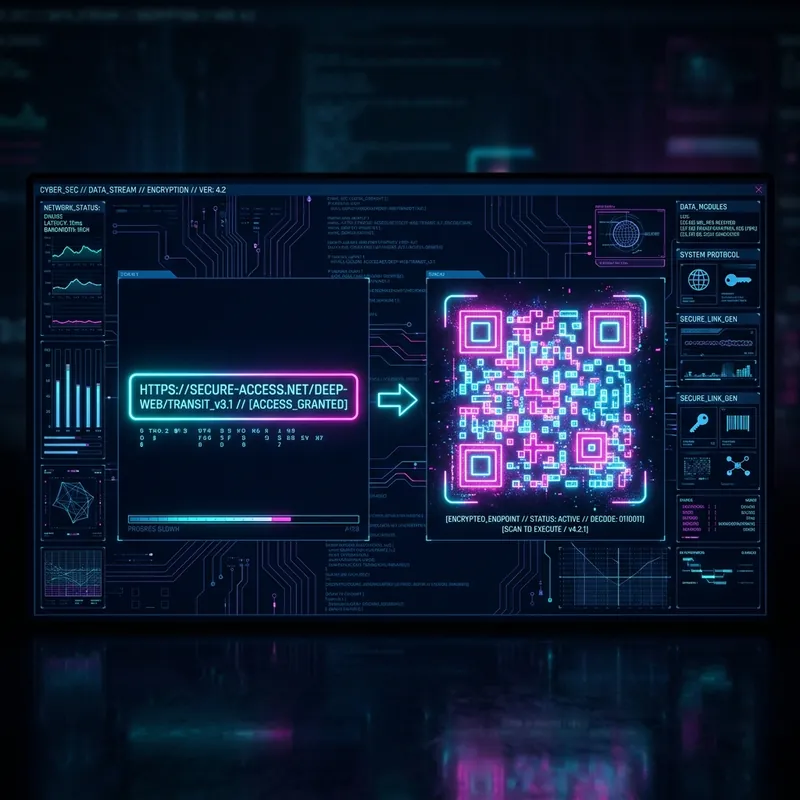
Cyberpunk interface showing a Best AI QR Code Generator - Custom Shapes & Styles
Best AI QR Code Generator - Custom Shapes & Styles

Best AI QR Code Generator - Custom Shapes & Styles là gì và Hoạt động như thế nào?

Best AI QR Code Generator - Custom Shapes & Styles là một công cụ trực tuyến cho phép người dùng tạo mã Phản hồi Nhanh (QR) ngay lập tức. Nó mã hóa thông tin cụ thể thành một mã vạch ma trận có thể quét bằng bất kỳ camera điện thoại thông minh nào.

Lợi ích chính khi sử dụng Best AI QR Code Generator - Custom Shapes & Styles

  • Miễn phí: Tạo không giới hạn mã QR mà không cần đăng ký hoặc có phí ẩn.
  • Truy cập Tức thì: Tạo mã ngay lập tức—không cần đăng ký hoặc cài đặt phần mềm.
  • Tương thích Cao: Hoạt động trên mọi thiết bị và ứng dụng quét QR.

Cách Tạo Best AI QR Code Generator - Custom Shapes & Styles (Từng Bước)

  1. Bước 1: Nhập chi tiết: Chọn loại mã QR, nhập thông tin cẩn thận và kiểm tra lại. Lỗi dữ liệu sẽ khiến mã QR không sử dụng được.
  2. Bước 2: Tùy chỉnh thiết kế: Tải lên logo công ty, chọn hình dạng chấm tùy chỉnh và đảm bảo độ tương phản cao giữa mã và nền.
  3. Bước 3: Chọn Định dạng và Tải xuống: Chọn PNG để chia sẻ kỹ thuật số hoặc SVG để in chất lượng cao. Luôn kiểm tra mã bằng nhiều máy quét trước khi phân phối.

Thực tiễn Tốt nhất cho việc In và Quét

  • Chất lượng In: Sử dụng định dạng vector (SVG/EPS). Đối với hình ảnh raster (PNG/JPEG), đảm bảo độ phân giải 300 DPI.
  • Bề mặt: In trên các vật liệu phẳng, không phản chiếu. Tránh bề mặt cong.
  • Vị trí: Đặt mã QR ở ngang tầm mắt (1.5–2 mét từ mặt đất) để dễ quét.
  • Thử nghiệm: Luôn thử nghiệm mã QR đã in với ít nhất 3 thiết bị khác nhau.

Câu hỏi thường gặp

What are AI QR codes and custom shapes?
AI QR codes combine modern styling algorithms with custom shapes (like round dots, hexagons, and diamonds). They look premium and brand-aligned while remaining fully scannable.
Do custom shaped QR codes scan reliably?
Yes, because our generator uses **High Error Correction (Level H - 30%)**. This ensures that even with custom dot shapes, gradients, and central logos, the code is easily read by all devices.
Which is the best free AI QR code generator with no sign-up?
EZ QR is the best free generator. It lets you customize dot shapes, upload logos, select formats, and scan unlimited times without creating an account or paying fees.
Can I download my custom styled AI QR code in vector SVG?
Yes. Custom dot shapes (hexagons, diamonds, circles) are fully supported in our free SVG download format, allowing high-resolution print scaling.