EZ QR

Best AI QR Code Generator - Custom Shapes & Styles

Customize the shapes of individual dots into custom hexagons, circles, or diamond matrices. High error-correction safety.

Sube el logotipo de tu empresa (PNG, JPG o SVG) para incrustarlo en el centro de tu código QR. Asegúrate de generar el código QR nuevamente después de seleccionarlo.

Support on GitHub
AWAITING INPUT
Escaneando...
Apoyar Proyecto
100% Gratis
Sin Caducidad
Vectores de Alta Resolución

Compare: Why EZ QR is the Best Choice

FeatureEZ QR Generator (Free)Paid Services (Uitly / Pro)
Price 100% Free ($0) $9.99 - $35.00 / mo
Account / Sign Up No Sign-Up Required Required for Downloads
QR Code Expiry Permanent (Never Expires) Expires after 14-day trial
High-Res SVG Vector Included Free Paid Add-on / Paywalled
Scan Limits Unlimited Scans Capped (e.g., 100/mo)
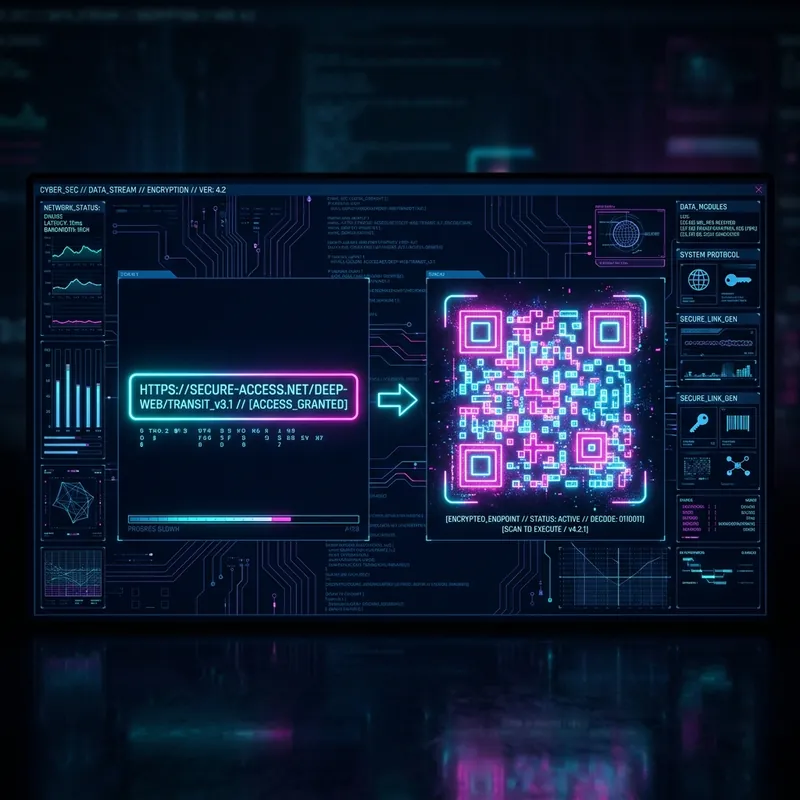
Cyberpunk interface showing a Best AI QR Code Generator - Custom Shapes & Styles
Best AI QR Code Generator - Custom Shapes & Styles

¿Qué es un Best AI QR Code Generator - Custom Shapes & Styles y Cómo Funciona?

Un Best AI QR Code Generator - Custom Shapes & Styles es una herramienta en línea que permite a los usuarios crear códigos de Respuesta Rápida (QR) al instante. Codifica información en un código de barras matricial que cualquier teléfono puede escanear.

Beneficios Clave de Usar un Best AI QR Code Generator - Custom Shapes & Styles

  • Sin Costo: Crea códigos QR ilimitados sin suscripciones ni tarifas ocultas.
  • Acceso Instantáneo: Genera códigos de inmediato, sin registrarse ni instalar software.
  • Alta Compatibilidad: Funciona en todos los dispositivos y aplicaciones de escaneo QR.

Cómo Crear un Best AI QR Code Generator - Custom Shapes & Styles (Paso a Paso)

  1. Paso 1: Ingresa los Detalles: Selecciona el tipo de código QR, ingresa la información cuidadosamente y verifica. Los errores de datos harán que el QR sea inservible.
  2. Paso 2: Personaliza el Diseño: Sube el logo de tu empresa, elige una forma de puntos y asegúrate de tener un alto contraste entre el código y el fondo.
  3. Paso 3: Elige el Formato y Descarga: Elige PNG para uso digital o SVG para impresión escalable. Prueba siempre tu código antes de la distribución masiva.

Mejores Prácticas para Imprimir y Escanear

  • Calidad de Impresión: Usa formatos vectoriales (SVG/EPS) para evitar pixelación. Para PNG/JPEG, asegúrate de tener 300 DPI.
  • Superficie: Imprime en materiales planos y no reflectantes.
  • Colocación: Coloca los códigos QR a la altura de los ojos (1.5–2 metros).
  • Pruebas: Prueba siempre el código impreso con al menos 3 dispositivos distintos.

Preguntas Frecuentes

What are AI QR codes and custom shapes?
AI QR codes combine modern styling algorithms with custom shapes (like round dots, hexagons, and diamonds). They look premium and brand-aligned while remaining fully scannable.
Do custom shaped QR codes scan reliably?
Yes, because our generator uses **High Error Correction (Level H - 30%)**. This ensures that even with custom dot shapes, gradients, and central logos, the code is easily read by all devices.
Which is the best free AI QR code generator with no sign-up?
EZ QR is the best free generator. It lets you customize dot shapes, upload logos, select formats, and scan unlimited times without creating an account or paying fees.
Can I download my custom styled AI QR code in vector SVG?
Yes. Custom dot shapes (hexagons, diamonds, circles) are fully supported in our free SVG download format, allowing high-resolution print scaling.