EZ QR

Free QR Code Generator - No Sign Up

Create custom QR codes instantly without registration.

Support on GitHub
스캔 중...
프로젝트 후원
100% 무료
만료 없음
고해상도 벡터

What is a Free QR Code Generator No Sign Up and How Does it Work?

A Free QR Code Generator No Sign Up is an online tool that allows users to create QR codes instantly—without requiring registration, email verification, or account creation. These tools prioritize speed and accessibility, enabling users to generate codes for URLs, text, WiFi, contacts, or payments in seconds.

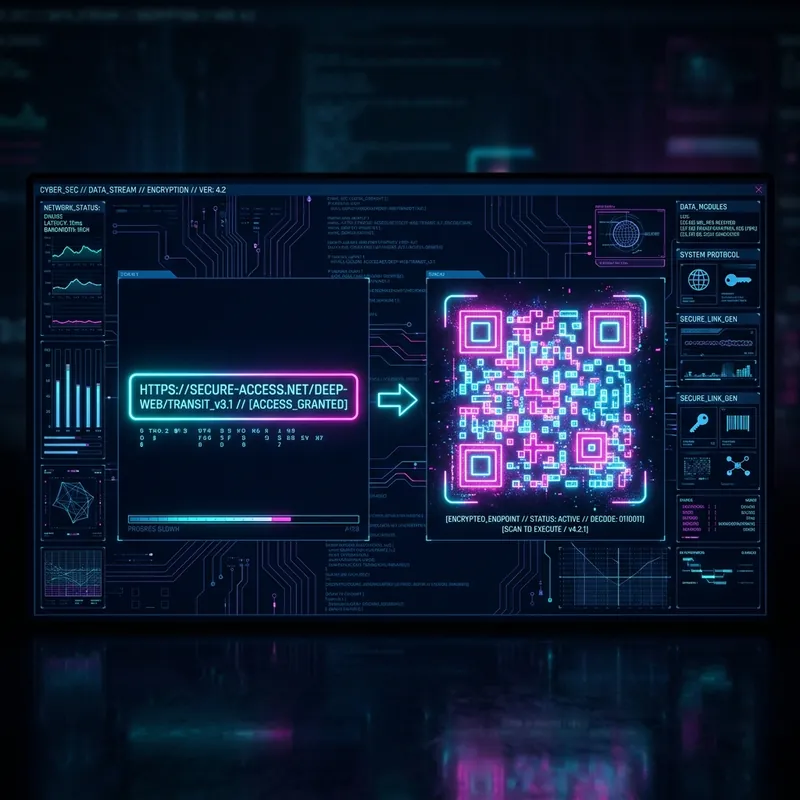
The process is straightforward:

  • Input Data: Users enter the content (e.g., a URL, plain text, or WiFi credentials) into the generator.
  • Customize (Optional): Adjust colors, add a logo, or change the QR code’s shape for branding.
  • Generate & Download: The tool renders the QR code in real-time, and users download it as a PNG, SVG, or JPEG file.

No user data is collected, making it ideal for one-off tasks or privacy-conscious users.

Key Benefits of Using a Free QR Code Generator No Sign Up

  • Instant Access: Skip registration—start generating QR codes immediately.
  • Privacy-Friendly: No personal data is stored or shared.
  • Unlimited Use: Create as many QR codes as needed without restrictions.
  • No Spam: Avoid promotional emails or upsells tied to account creation.
  • Cross-Platform: Works on any device with a browser (desktop, tablet, or mobile).

How to Create a QR Code with No Sign Up on EZ QR Code Generator (Step-by-Step)

Step 1: Input the Details

  1. Open the EZ QR Code Generator in your browser.
  2. Select the QR code type (e.g., URL, Text, WiFi, vCard).
  3. Enter the required information:
    • For URLs: Paste the full link (e.g., https://example.com).
    • For Text: Input up to 3,000 characters (shorter = better scan reliability).
    • For WiFi: Add the SSID, password, and security type (WPA/WEP/nopass).
  4. Double-check for typos—errors in input data will make the QR code unusable.

Step 2: Customize Design

  1. Design: Choose between square, rounded, or dot-style modules for a unique look.
  2. Colors: Use high-contrast combinations (e.g., black on white, dark blue on light gray). Avoid red on green or other low-contrast pairings.
  3. Logo: Upload a logo (PNG/SVG, max 500x500px) and position it in the center. Critical: Keep the logo under 30% of the QR code’s area to ensure scannability.
  4. Quiet Zone: Maintain a white border (minimum 4 modules wide) around the QR code to prevent scanning errors.

Step 3: Choose Format and Download

  1. Format: Select PNG (for web/digital use) or SVG (for scalable print).
  2. Size:
    • For digital use: 500x500px is sufficient.
    • For print: Use 300 DPI and a minimum size of 2 x 2 cm (0.8 x 0.8 in). For large formats (e.g., posters), scale to 10 x 10 cm (4 x 4 in) or larger.
  3. Download: Save the file and test it with 2–3 QR scanners (e.g., iPhone Camera, Google Lens, or QR Code Reader apps).

Best Practices for Printing and Scanning

  • Print Quality: Use SVG for vector-based scaling or PNG at 300 DPI for high-resolution prints.
  • Surface: Print on flat, matte surfaces (avoid glossy or textured materials that cause glare).
  • Placement: Position QR codes at eye level (1.5–2 meters from the ground) for accessibility.
  • Testing: Always test printed QR codes with multiple devices before mass production.
  • Security: Avoid generating QR codes for sensitive data (e.g., passwords) on public devices. Use a private browser window if needed.

자주 묻는 질문

QR 코드란 무엇인가요?

QR 코드는 스마트폰 카메라를 사용하여 웹사이트, 텍스트 또는 기타 정보에 빠르게 액세스할 수 있는 2차원 바코드입니다.

이 QR 코드는 만료되나요?

아니요! 여기서 생성된 QR 코드는 정적이며 데이터를 추적하지 않으며 절대 만료되지 않습니다. 영원히 사용할 수 있습니다.

상업적 목적으로 사용할 수 있나요?

네, 저희 QR 코드는 제한 없이 개인적 및 상업적 목적 모두 100% 무료로 사용할 수 있습니다.

QR 코드가 스캔되지 않는 이유는 무엇인가요?

QR 코드(어두운 색)와 배경(밝은 색) 사이에 대비가 높은지 확인하세요. 또한 인쇄될 크기에서 코드를 테스트하세요.